Google Console
-
go to landing page https://console.cloud.google.com
-
or you can direct type the URL in address bar
-
the dashboard URL will be
https://console.cloud.google.com/home/dashboard?project=<projecy-name> -
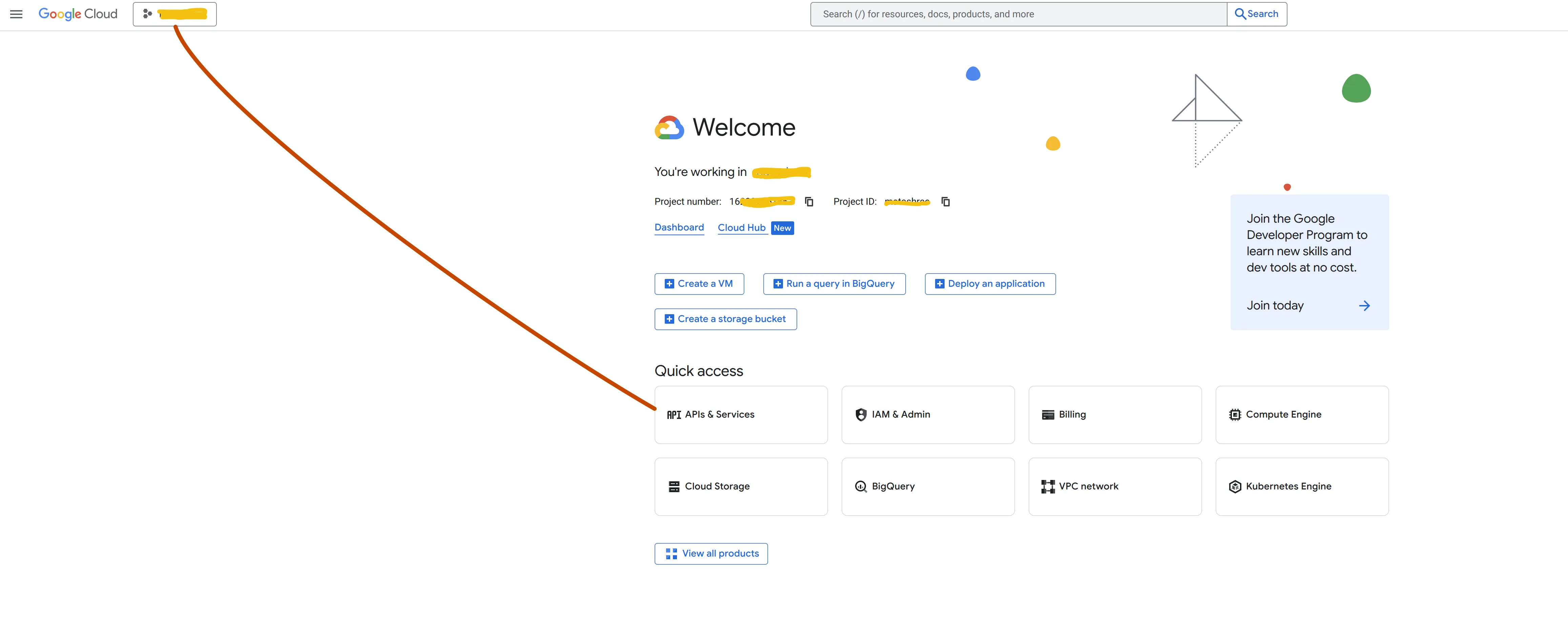
Click on Project Picker on top right side and choose a project; if no project then create one
-
Click on dashboard / dashboard
-
click on hamburger menu
-
Click on API and Service > Enabled API & Services
-
sometime its available in Quick Access Menu on the welcome page
-
Click on Credentials from left Panel
There you see OAuth Client ID and your API Keys
see